



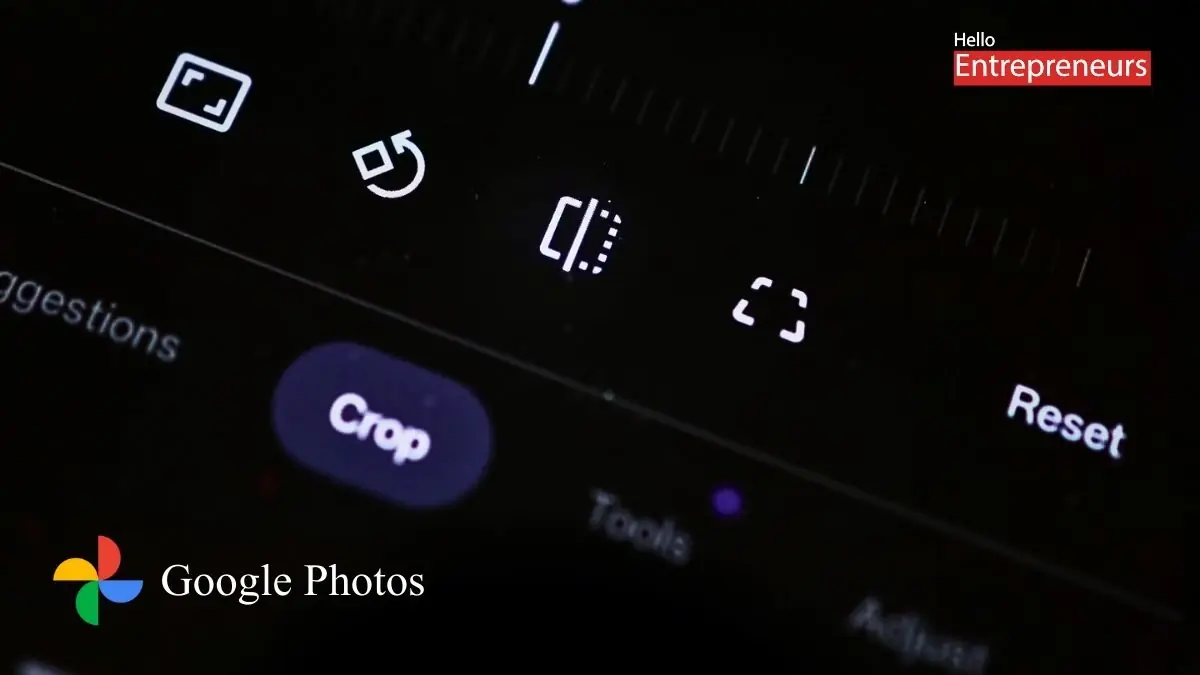
Mumbai: You open Google Photos on your phone. Tap a photo. Snap — the walls straighten, the documents align, the world suddenly looks less crooked. Ah yes — your trusty “Perspective Correction” tool is back. Welcome to version 2025: where memory, magic, and mild mischief lurk behind every tap.
There was a moment earlier this year when that little perspective-correction rescue button simply vanished. In the midst of a sweeping redesign of Google Photos’s editing interface, the feature was quietly dropped. People who used their phones like pocket scanners — whether for photos, documents, or angled architectural shots — found themselves abruptly stripped of basic control.
The backlash was swift, universal: “Where did it go?”, demanded amateur photographers, students digitizing old prints, and minimal-tech-savvy users alike. As one Reddit user lamented:
“It’s gone. I used it to straighten up photos of paintings and documents. Now I’m forced to use third-party apps.”
And if you were part of that chorus, your patience has paid off — at least partially. As of December 2025, Google has quietly restored the perspective tool in the latest Android build.
The Return — With a Slightly Mischevious Twist
Yes, the tool is back. But it doesn’t greet you like an old friend. Instead, it hides behind a little workaround. Want to straighten a crooked doorway or flatten a scanned page? First, you must crop — even slightly — or use the “Framing” tool. Only then does the perspective-icon reappear, tucked away in a corner. It feels less like restoration, more like a scavenger hunt.
Moreover — and this might sting for some — the feature remains photo-only. Video editing still lacks perspective correction. So those shaky concert clips or scanned video screenshots? Still stuck in wonky angles.
Some editors call this comeback half-baked. Because while Google has technically reversed the change, it also made the tool harder to access than before. The accessibility is inconsistent — and that matters. Especially if you expect an editing interface to be, you know, intuitive.
AI Is Everywhere — But Don’t Call It Magic (Yet)
This revival arrives amid the broader rollout of AI-powered editing tools in Google Photos. Features like “AI Enhance,” “Magic Eraser,” and voice/text-prompt editing (via Gemini AI) are now part of the package.
Automation and convenience have become the new gospel. Want your messy real-estate photo straightened? Ask for it. Want to remove a stray photobomber from your beach shot? One tap. But as the company moves us toward automation, slivers of manual craftsmanship — tools like perspective correction — can get buried, overlooked, or temporarily exiled.
In that sense, restoring the tool feels like a mea culpa: Google heard the feedback, grudgingly admitted a mistake, and patched things up. But the hiding-it-in-a-crop-first approach suggests a lingering bias: the design team still prefers AI magic over user-driven precision.
Where This Helps — And Where It Hurts
Here’s what this resurrection gives you:
A relatively stable environment to edit photos with precision again — especially useful for documents, scanned photos, or architecture.
A life-saver for casual photographers and professionals alike who don’t want to bounce between multiple editing apps.
Proof that sometimes — just sometimes — user feedback matters in Big Tech land.
Yet, here’s what still nags at you:
The feature is hidden. The workflow has become murkier. You need to jump through ergonomic hoops just to find what used to be right there.
Video editing remains crippled: no angle correction. For creators working with still-frames from video, the omission stings.
The broader drift toward AI-first editing threatens to sideline manual tools entirely. Precision gets replaced with convenience. Control yields to automation.
The Bigger Pattern: When “Smart” Means “Smarter Than You”
If this saga teaches anything, it’s that consumer-tech companies — even benevolent ones — are comfortable with nudging user behavior. Hide the good tools. Promote the flashy AI ones. Make automation the default, then treat manual controls as afterthoughts.
And for many users, that’s fine. For some, perhaps even preferable. But for anyone who values control, craft, or — call me old-fashioned — the right to make photos look precisely the way we want, it’s a little unnerving.
Because convenience is seductive, but subtle design decisions shape how we see the world. Today’s angled photo may end up tomorrow’s memory. And what we allow to be “auto-fixed” might define what we remember.

