



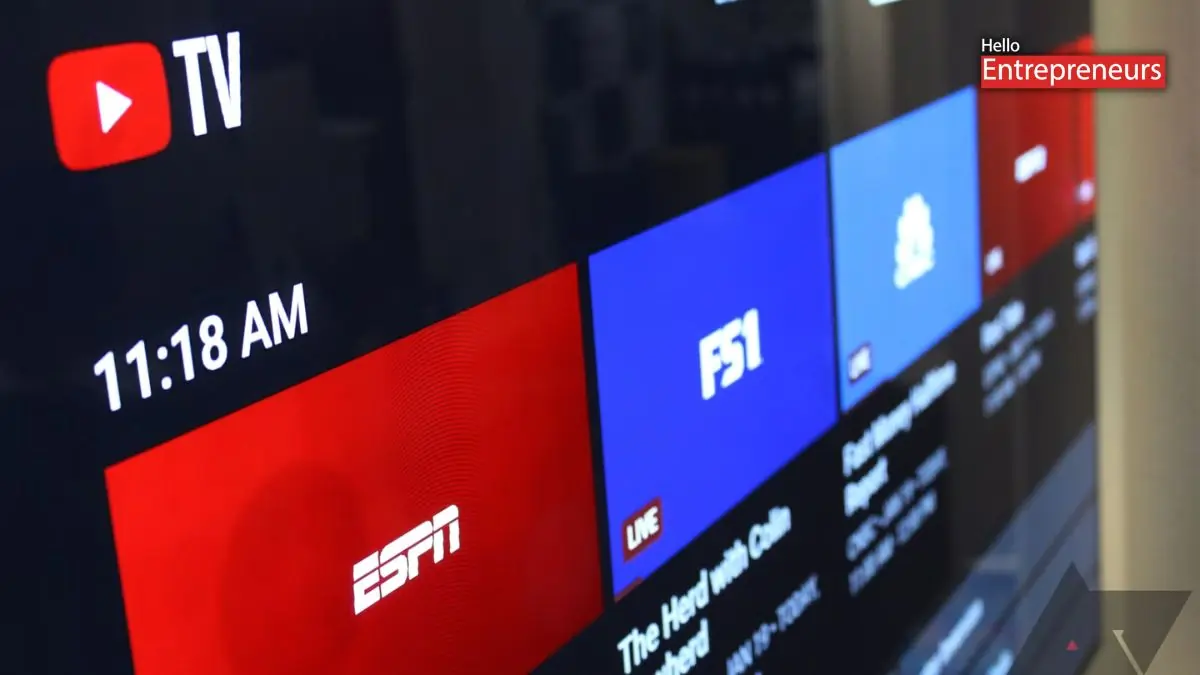
New Delhi: YouTube has reported that it is going to roll out a redesigned Live Guide for TV on its mobile applications, bringing a layout that looks and works more like what users already see on televisions. According to some reports, the updated Live Guide is now widely available in select countries on both Android and iOS, marking a noticeable change in how live channels and schedules are presented on devices. The Live tab on mobile was pretty basic; it showed a vertical list of channels, with the currently selected channel pinned at the top and playing in a small preview window.
While functional, it did not offer much information at a glance. The Live Guide redesign changes this by focusing on showing more details on a single screen and making navigation easier. The design closely follows the Live Guide that YouTube TV introduced on smart TVs back in 2023. Channel icons have now been shifted to the left side of the screen, making it easier to identify networks quickly. The guide also enables users to swipe horizontally to see what is coming up next on each channel, instead of only showing the current program.
A red Jump to live button appears at the bottom of the screen, letting users instantly return to the live broadcast if they scroll away while browsing. The updated guide also adds clearer timing information. YouTube TV now reports how long a program runs and how much time is left, which helps users decide whether to tune in or wait for the next show. There is also a sort option in the top-left corner, which gives users more control over how channels are arranged.
The reports also suggested that the users can long-press on the program to preview the channel. This opens a floating panel that shows a brief description along with the quick actions such as adding the show to the library, setting a reminder or jumping directly to the program or channel. Unlike the main YouTube applications and Music, this panel appears as a floating sheet rather than being fixed to the bottom of the screen. The report also added that the Live Guide has been refreshed, but other parts of the YouTube TV application have not yet received the same visual update. The Home and Library tabs still use the older design and icon set.

