




New Delhi: If you are bored with your regular Android device launcher, and wanted to try something unique, that will transform users experience while using the smartphone, then this article is just for you, in this article we are going discuss about some of the 7 launcher, that will transform your boring Android launcher into an supercool layout that looks much cool then expected to be any Android devices, and these all of the launcher are pretty smoother for the your Android device. So, let’s now all 7 Launchers that will make your Android device into a multi-functioning device with cool animations.
Niagara Launcher
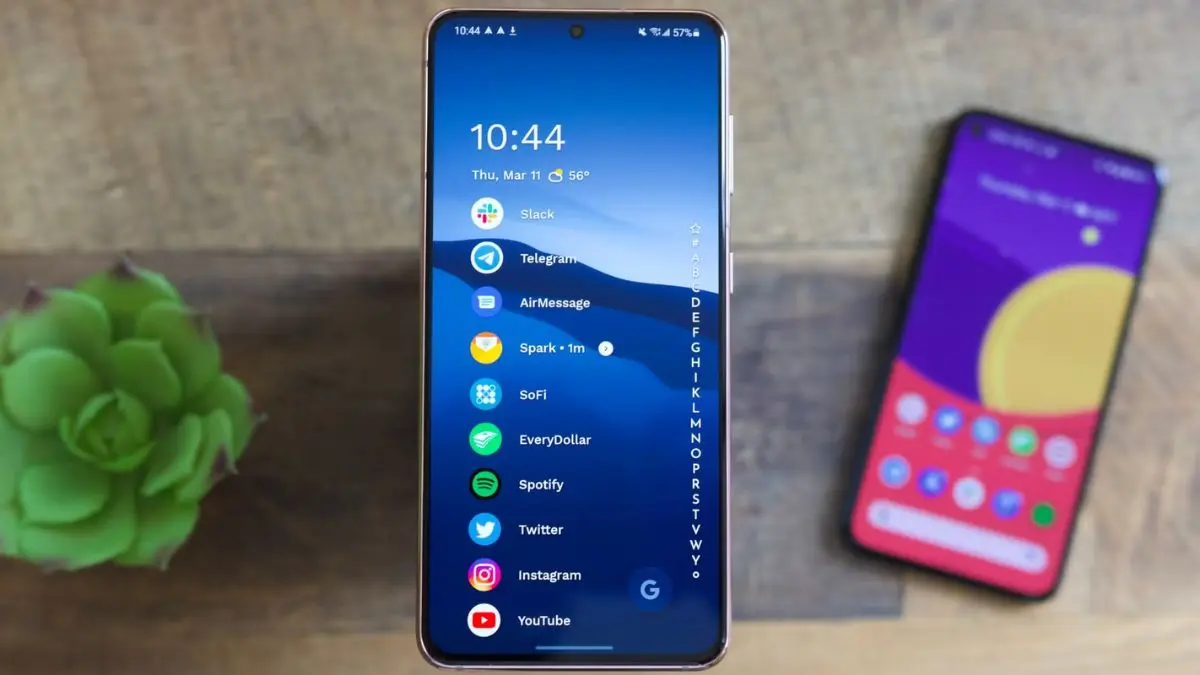
Niagara sits at the top of the list because of the features it offers to your Android device. It’s a ground rethink of what a launcher should be by stripping everything back to a vertical list that you can easily scroll with one hand. Notifications integrate directly into the list, and the whole experience feels designed for speed and focus. One big phone, it’s a relief to stop stretching across the screen to reach icons. And the simplistic interface quickly becomes muscle memory for reaching out and launching applications without even looking at the screen, so this will be the best launcher for your Android devices.
Lawnchair
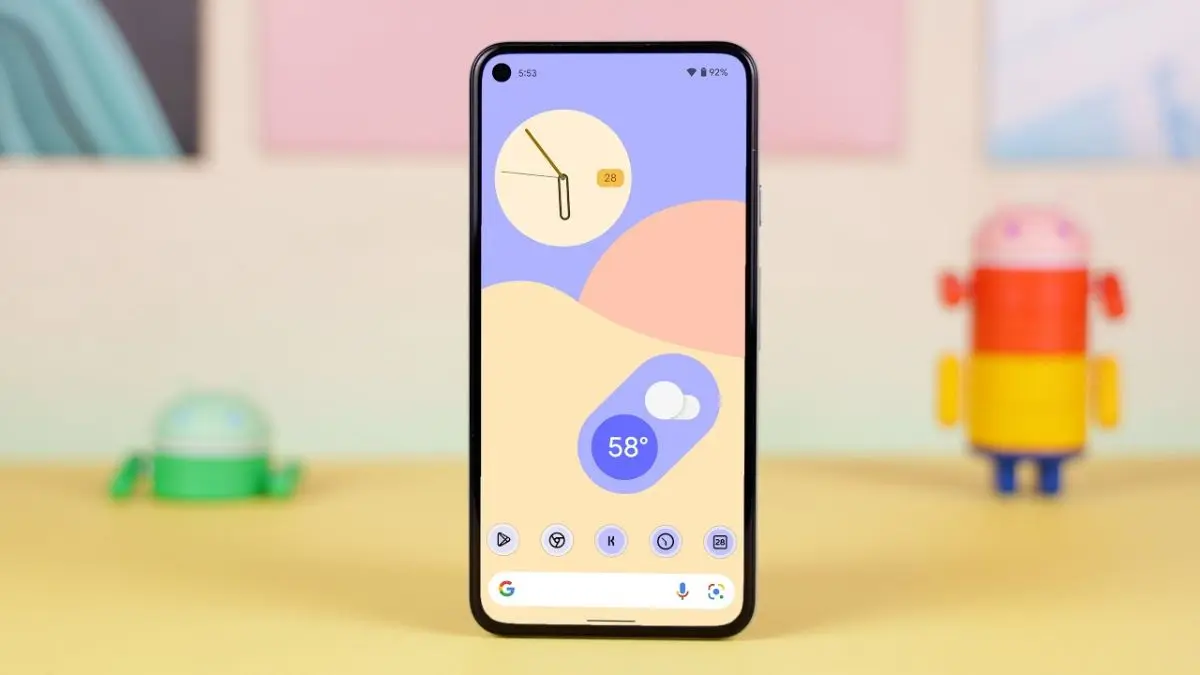
Lawnchair offers the perfect comfortable dose of familiarity; it looks and behaves like Pixel launcher, but with more flexibility, which makes it an easy jump for those who are using Nova launcher. This application is a port of Pixel launcher with additional features tacked on to it. It supports Material You theming, third-party icon packs, and even automatically organises the applications of users which they use most on their smartphone in their daily life cycle.
Action Launcher
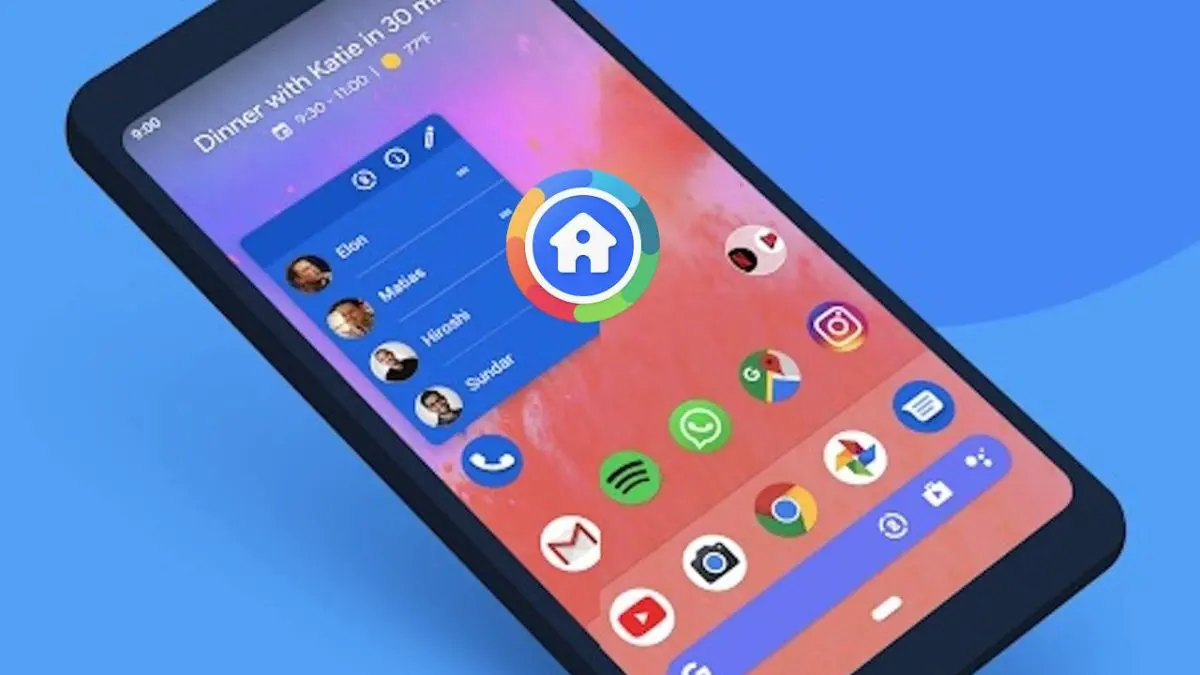
Action Launcher is considered the tier-2 alternative of Nova despite the fact that Action Launcher has been around almost as long as Nova. However, with the Nova Launcher out of the picture, it might be time for the Action Launcher to shine. The application has built up a distinct identity with features like Quicktheme, which pulls colours from their wallpaper. Material you style, there are other superb additions as well, with the Shutters being their favorite. Shutter lets the users swipe an application icon to reveal the accompanying widget. Moreover, the updates have continued steadily, which is essential now that users are looking for reliability as much as customisation.
Hyperion
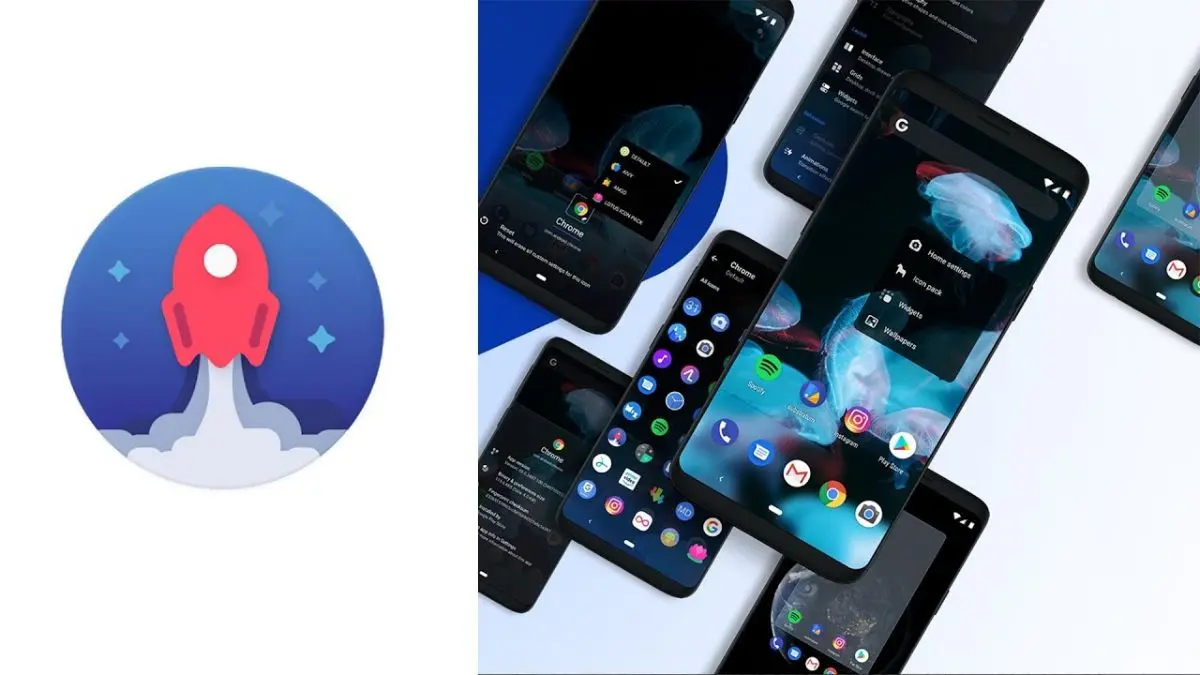
Hyperion narrows its focus on speed; users dabbled with it over the years, and what stands out is how light, smooth, and quick its operation feels. More so than the Nova ever did, especially on older or mid-range hardware. Animations are crisp, the interface is uncluttered, and it will be familiar to long-time Nova and Pixel Launcher users. Moreover, it still gives you enough customisation to get your desktop and application drawer looking exactly how you want your Android device to feel. Hyperion might not cut it for you, but the feature set is largely there.
Smart Launcher 6
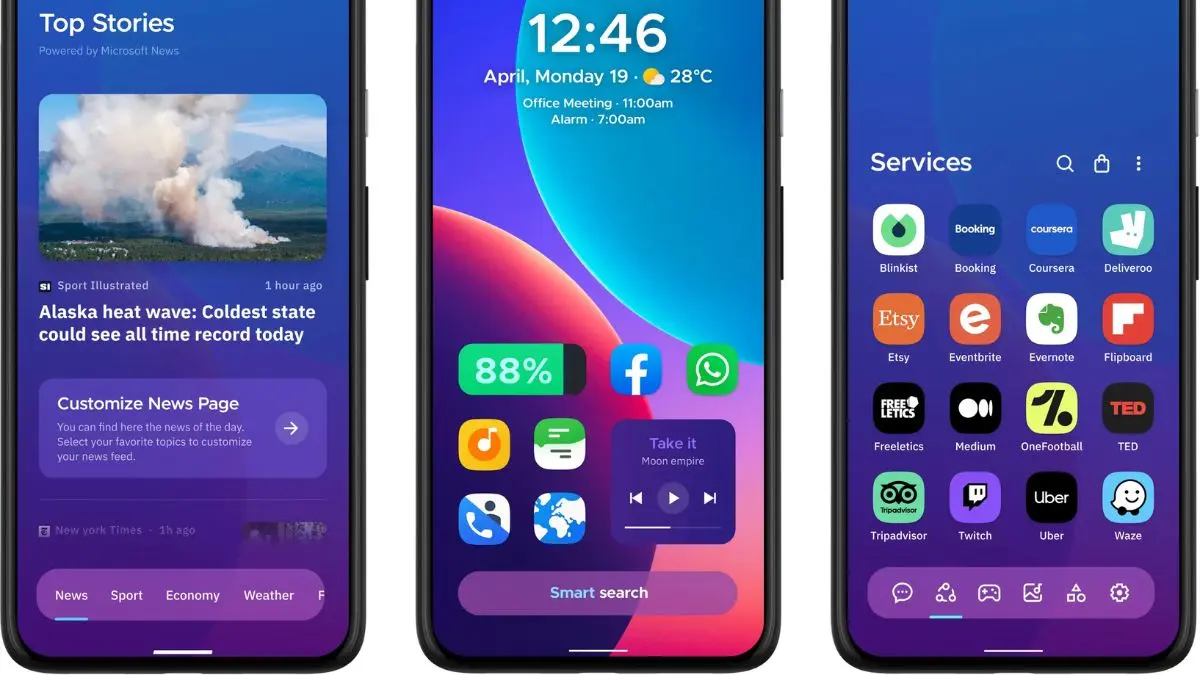
As compared to the Nova Launcher and even some of the other launchers on this list, Smart Launcher 6 takes an entirely different approach; instead of leaving you to organise everything yourself, it categorises your applications automatically and adapts its look based on your applications and your wallpaper colours. Unless you like getting in the weeds with the customisation, Smart Launcher is a solid choice if you want something that’ll get you going within seconds. It’s the launcher user’s hand to someone who has never used a custom launcher before and wants their phone to feel organised.
Octopi Launcher
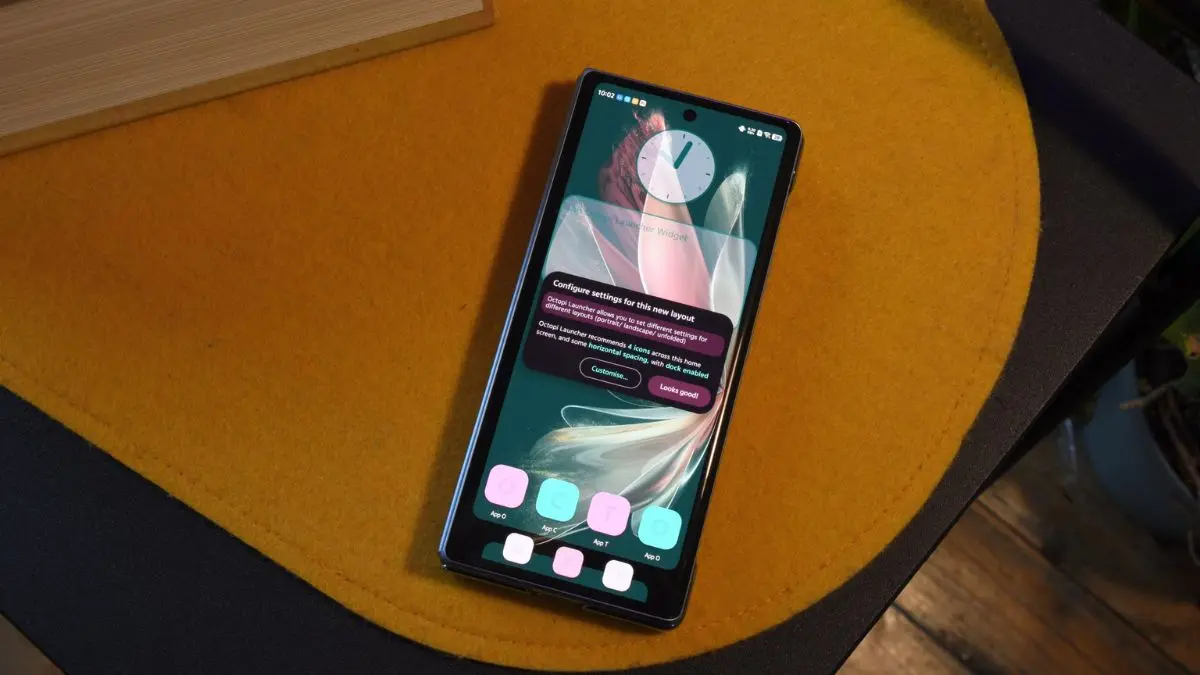
Its big idea is that it lets you create separate layouts for the outer and inner screens, so you can design a compact setup when the phone is closed and a more expansive one when it’s open. It also supports all the usual features, like the widget stacking and a turbo search feature that pulls up applications instantly as you type. Octopi is probably not going to be a drop-in replacement for the Nova for every user, but if you’re using a foldable phone, it’s one of the few options that let you truly maximise the capabilities of your hardware.
Kvaesitso
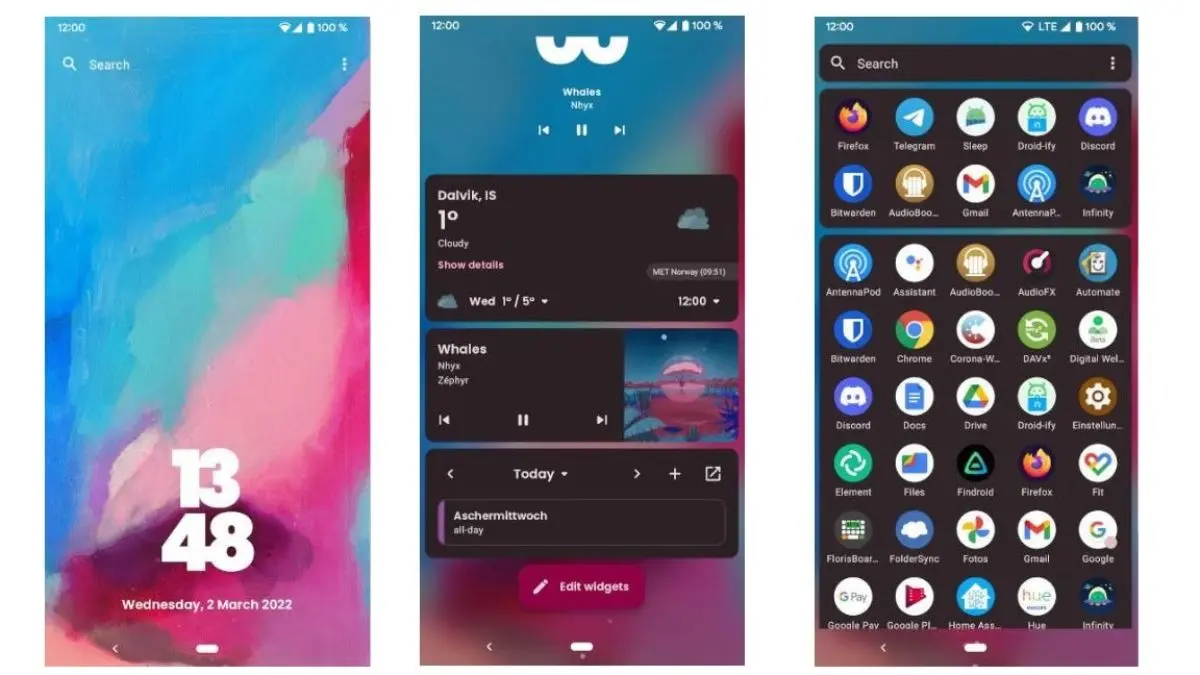
Finally, if you are looking for the whole latest approach to Android launchers, you want to give Kvaesitso a chance. While it still can’t pronounce the name right, you really like this launcher. The home screen is intentionally clean and bare, and everything else lives in a clean vertical list. Instead of folders, Kvaesitso uses an all-new tag-based approach to organising applications. This is a very nifty trick that lets you place applications under multiple categories. Elsewhere, search lies at the heart of the applications. You can get website previews or perform basic calculations right in the app drawer.

