



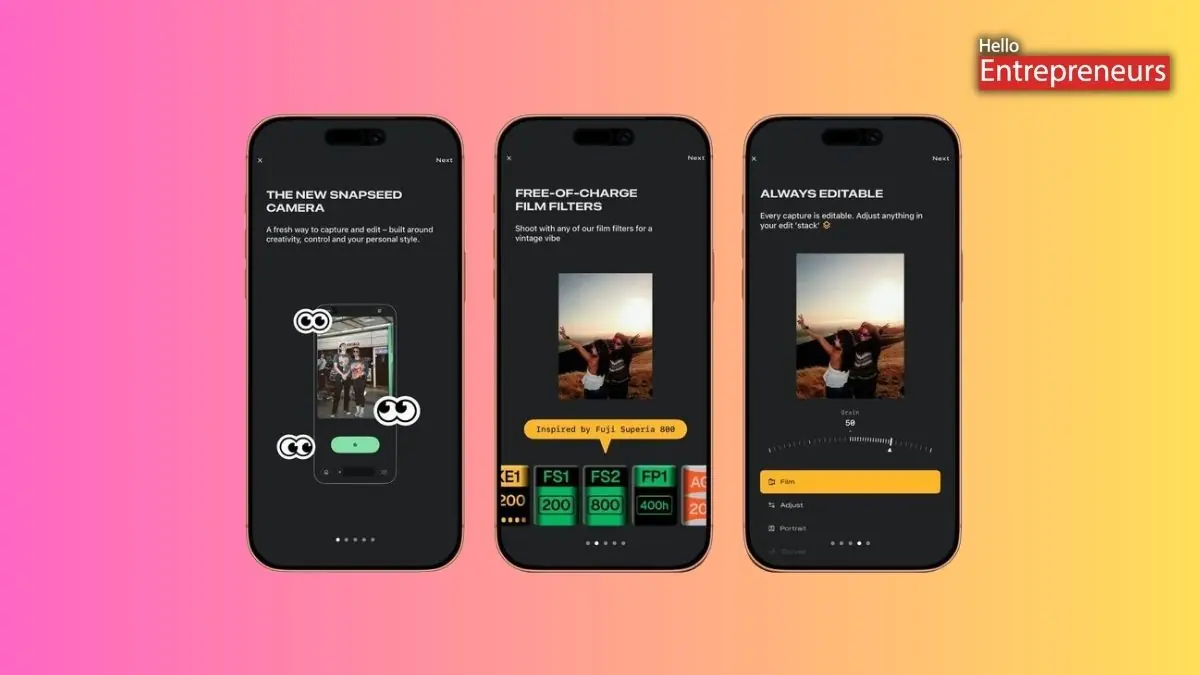
New Delhi: Google officially started rolling out the latest in-app camera option of Snapseed on iPhone by extending the application beyond photo editing. The camera feature was reported to be unveiled first in December, but it could only be accessed through the Lock Screen widget, Control Center shortcut, or Camera Control. Now the users can open it directly from the latest camera icon placed in the top-right corner of the application. The latest feature is available in application version 3.15.0 of Snapseed, which is currently available in India on the App Store as a free download.
This latest update brings manual shooting controls to Snapseed; users can turn on the PRO toggle located at the top-left of the camera screen. Once it is enabled, three controls appear at the bottom of the viewfinder: ISO, Shutter Speed, and Focus. A dial-style control lets the users switch between Auto and manual adjustments. Flash has been repositioned to the bottom-left of the screen, while zoom controls sit on the opposite side. The camera includes built-in film emulation styles that apply retro-inspired looks in real-time. These styles are inspired by classic film stocks such as Kodak Portra 40, Kodak Gold 200, Fuji Superia 200, Fuji Pro 400 H, Agfa Scala 200, Polaroid 600, and Technicolor.
The users can preview these effects live before taking the photo. The front camera toggle sits on the right side near film style presets. A large, blue, pill-shaped shutter button sits at the bottom centre of the screen for capturing the photos. The interface has a Polaroid-style layout, with the viewfinder placed in the upper section, while the controls and other options are neatly arranged along the bottom. The design leans into skeuomorphic elements, including the rewind-style animation when switching between film presets.
Every image captured using the camera includes a full editing stack. This actually means the users can go back and adjust or remove applied effects even after the photo has been saved to the gallery. Snapseed also enables users to customize the camera’s viewfinder with different colour themes, including Editor, Dusk, Negative, Steel, Haze, and Depth. Google has reported working on upgrading the Android version of the application with the redesigned editor that first appeared on iPhone and iPad last year.

