



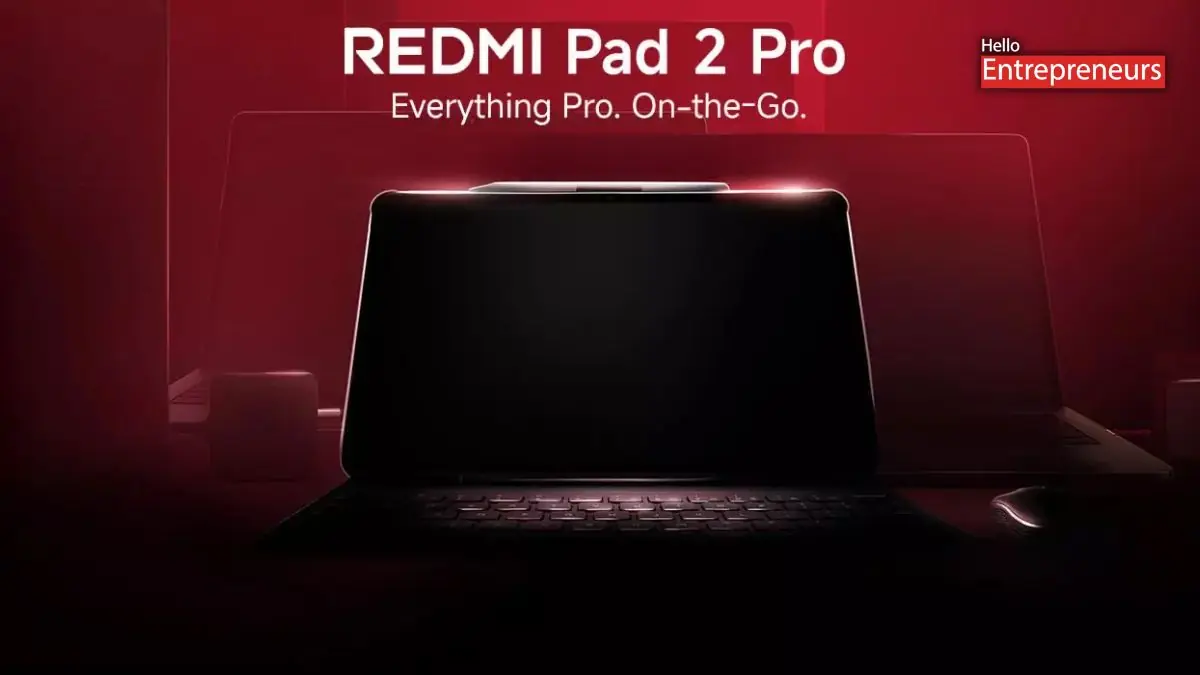
New Delhi: Redmi Pad 2 Pro had been arrives as the compelling mid-range tablet option for the users, bundled with optional keyboard and smart pen accessories that will transform it into a comprehensive productivity and creativity package. But now the main question raised that does it deliver on its promises? Here’s everything users need to know.
Display and Design
The Redmi Pad 2 Pro features with a 12.1-inch 2.5K display with the Dolby Vision support and a smooth 120Hz refresh rate. The screen is big, bright, and responsive, making it suitable for most tasks including Netflix, gaming, and studying. The metal chassis gives it a premium feel, while the sleek textured finish on the back adds to its aesthetic appeal.
The chunky bezels, though noticeable, serve a practical purpose by providing with the comfortable grip during extended use. The lightweight design makes it more convenient for the bed-time reading or casual browsing that several users do in their lifestyle. One of the standout feature is the hydro touch capability, enabling the users to use the tablet even with wet or moist fingers with a useful addition for the various scenarios.
However, outdoor visibility is a limitation direct sunlight can make the screen difficult to read so the users cannot do their tasking in direct sunlight, especially when viewing content with dark interfaces. Users will need to find shade or adjust their angle for comfortable outdoor use. The audio experience has been enhanced by the Dolby Atmos quad speakers support that delivers loud and clear sound across almost all volume levels, though there’s some detail loss at maximum volume.
Performance and Battery Life
It is powered by the Snapdragon 7 Gen 4 processor which is paired with 8GB RAM, the Redmi Pad 2 Pro handles office-based multitasking with ease. The larger build allows for better cooling, enabling the chip to operate at its full potential. The tablet excels at running multiple applications simultaneously, including split-screen scenarios with apps like Chrome, Docs, YouTube, and ChatGPT.
Gaming performance is respectable, with the BGMI running smoothly at max graphics. Games like Street Fighter 4 and WWE 2K25 run without issues, though demanding titles like Red Dead Redemption 2 aren’t supported in this tablet so several users miss in this tablet. The benchmark scores indicate solid AI and multitasking capabilities means in terms of gaming this tablet will balanced performance to the users.
The massive 12,000mAh battery is a major highlight, easily delivering over two days of moderate use, even at maximum refresh rate. The included 33W charger takes approximately 2 hours to charge from 10% to 80%, with an additional 30-40 minutes for a full charge reasonable given the impressive battery backup that all the users wanted in an mid-range tablets.
Software Features
Running Android 15 with HyperOS, the tablet includes several useful features. The cycle-based reading mode intelligently reduces eye strain based on the ambient lighting while maintaining color visibility. Ambient color adjustment tweaks the display according to the users lighting environment, particularly useful under warm home lighting.
Game Turbo allows users to customize the touch smoothness and responsiveness for individual games, beneficial for competitive gaming. Quick gestures for drag-to-floating window and drag-to-split screen, along with a lock button to keep important applications running in the background, that enhance the productivity.
Accessories
The Bluetooth keyboard connects wirelessly rather than magnetically and offers a comfortable typing experience which is all thanks to the tablet’s generous screen size. However, the absence of a trackpad is a notable limitation that might necessitate using the laptop for several certain tasks that several of the users wanted.
The smart pen offers excellent pressure sensitivity and responsiveness for its price point. Paired with the Mi Canvas app, it becomes a solid creativity tool for sketching and doodling. The keyboard case conveniently includes a slot for storing the smart pen.
Final Thought
The Redmi Pad 2 Pro is the best suited for the students those who are handling Excel or Google Sheets work, or creators who need a large screen for video editing and sketching. The combination of premium build quality, good display, solid performance, and excellent battery life makes it a compelling package. The tablet also offers an versatile connectivity with a headphone jack, USB-C port, and a SIM plus microSD slot.
However, it’s not ideal for video conferencing or users who prioritize camera quality, as both the front and rear cameras are mediocre, suitable only for basic document scanning and video calls. In addition, the lack of magnetic connectivity for the smart pen unless users purchase the keyboard cover is a minor inconvenience. For those seeking an Android tablet that balances productivity, creativity, and everyday entertainment without breaking the bank, the Redmi Pad 2 Pro deserves serious consideration.

