



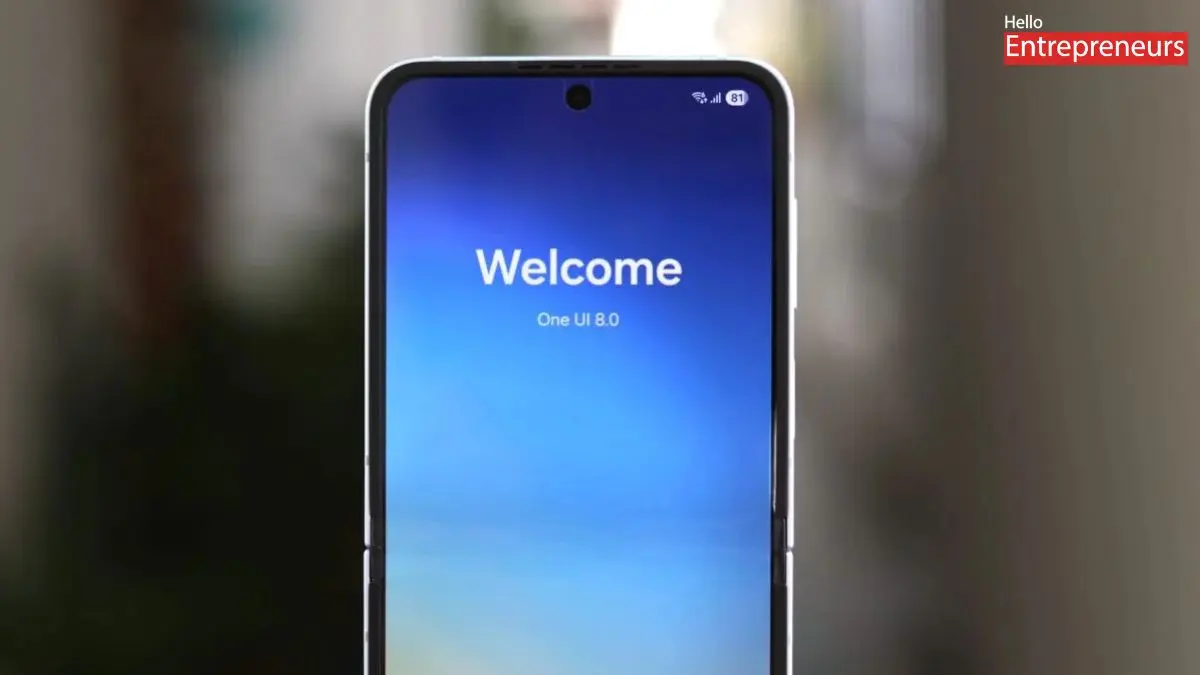
New Delhi: On July 9th, Samsung hosted its Galaxy Unpacked event, where it officially introduced its latest 7th-generation foldable smartphones globally: the Samsung Galaxy Z Fold 7, Samsung Galaxy Z Flip 7, and Samsung Galaxy Z Flip 7 FE (Fan Edition).
On the other hand, major hardware was announced, and the South Korean giant is also slated to introduce its latest OneUI 8, which will be based on Android 16, a version that has been in development for months. Samsung has already rolled out its beta version of the latest generation upgrade, and the latest foldable may run on OneUI 8 out of the box, bringing some of the latest features and improvements.
While it may not be a significant upgrade over OneUI 7, Samsung has reportedly brought several necessary upgrades to existing features that provide users with a cleaner experience.
The Advanced Protection mode
This will be the crucial Androdi 16 feature which is now expected to come to Samsung devices with the OneUI 8, this advanced protection mode is said to include a suite of security features that may enable users to block application sideloading, theft protection, data encryption, and much more that will protect Samsung users from high-risk scams.
Addition to Now Bar
The Now Bar was first introduced with the OneUI 7 in January. Now, Samsung is reportedly upgrading its capabilities by adding expanded application support. Earlier, Now Bar activities were limited to only a few applications, making it less valuable. With greater application support, users can access live notifications across all applications and services.
Improved audio eraser
Samsung’s AI-powered Audio Eraser feature generated significant hype during the One UI 7 launch. As this feature is immensely popular and widely used by creators, Samsung is reportedly introducing easy access, along with an improved version of the audio eraser, with the OneUI 8. Users can see a “Latest Audio Eraser” button in the Gallery application. Users may also see an audio eraser in other apps, such as Samsung Notes and Voice Recorder applications.
Upgrades to split-screen mode
Samsung is expected to introduce a 90:10 split view, similar to the Open Canvas feature on OnePlus devices. This divided view mode will enable users to seamlessly multitask without switching between applications. This will also give users the control to select which application should occupy 90% of the screen and which app should take the remaining 10% based on their tasks.
Dynamic effect
Samsung is also expected to introduce a dynamic effect to the Gallery app, which may serve as an upgrade to the Live effect feature. As the latest Live effect feature converts the still image into a short video, the Dynamic effect will likely add a 3D-like movement. Additionally, it may also allow users to manually move the subject within the photo.

