



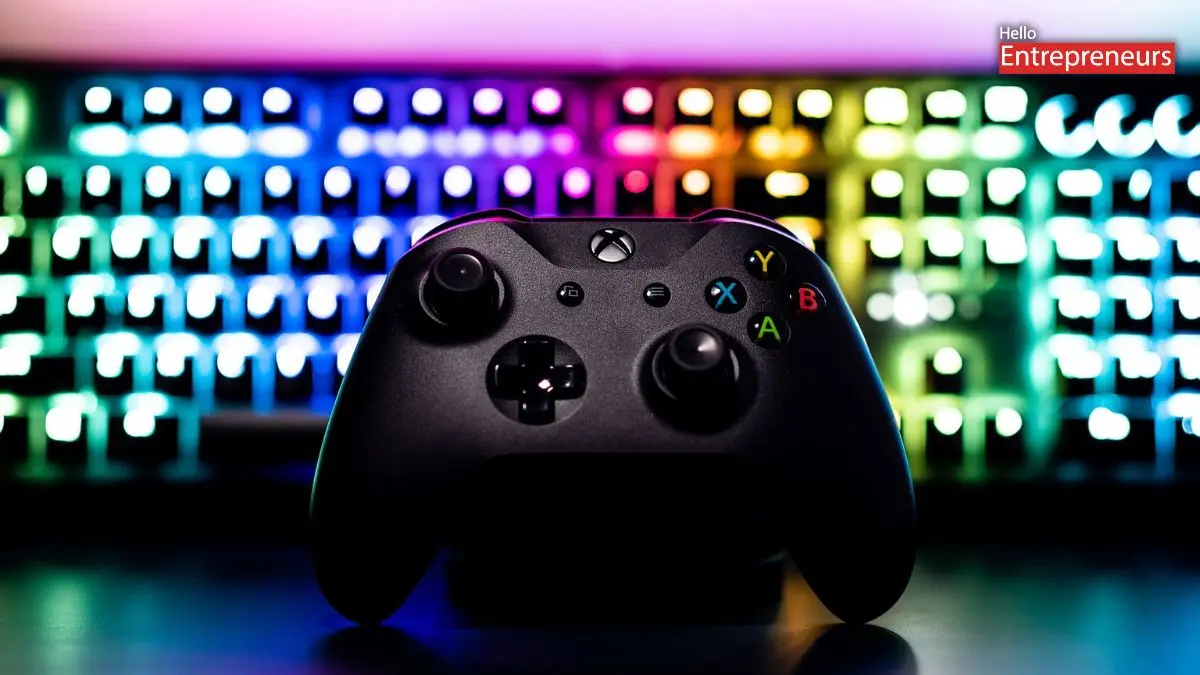
New Delhi: Microsoft officially announced that they have introduced the latest Xbox controller functionality for those Windows 11 users, allowing users to access the Task View switcher with the long press of the Xbox button, streamlining navigation between applications and games on their gaming PCs. This update is currently being tested with the Windows Insiders, and the changes to how the Xbox button operates on the controllers which are connected to the Windows 11 systems.
For access, users want to long-press the Xbox button to open the Task View, Microsoft’s built-in applications and window switcher. The traditional controller’s shutdown function remains accessible by pressing and holding the Xbox button for an extended period. This change is going to align Xbox controllers with Microsoft’s broader strategy for handheld gaming PCs running Windows 11. The upcoming Xbox Ally devices will feature similar functionality, with the Xbox button to open a handheld optimised task switcher explicitly designed for the portable gaming devices.
Microsoft has enabled the task switcher interface for the handhelds with the latest animations, though it remains unclear whether these visual improvements will extend to desktop gaming PCs. This Xbox button single-press function remains unchanged and continues to open the Game Bar interface, where users can access gaming widgets, performance metrics, and other gaming-related features that are included in this Xbox controller. This dual functionality approach provides gamers with quick access to both system-level navigation and gaming-specific tools. Now, Microsoft has begun their testing with these changes through the Windows Insider Program in September 2025. This update is expected to roll out to all of the Windows 11 users in the upcoming months as part of Microsoft’s ongoing efforts to improve the gaming experience on Windows 11 systems.

