



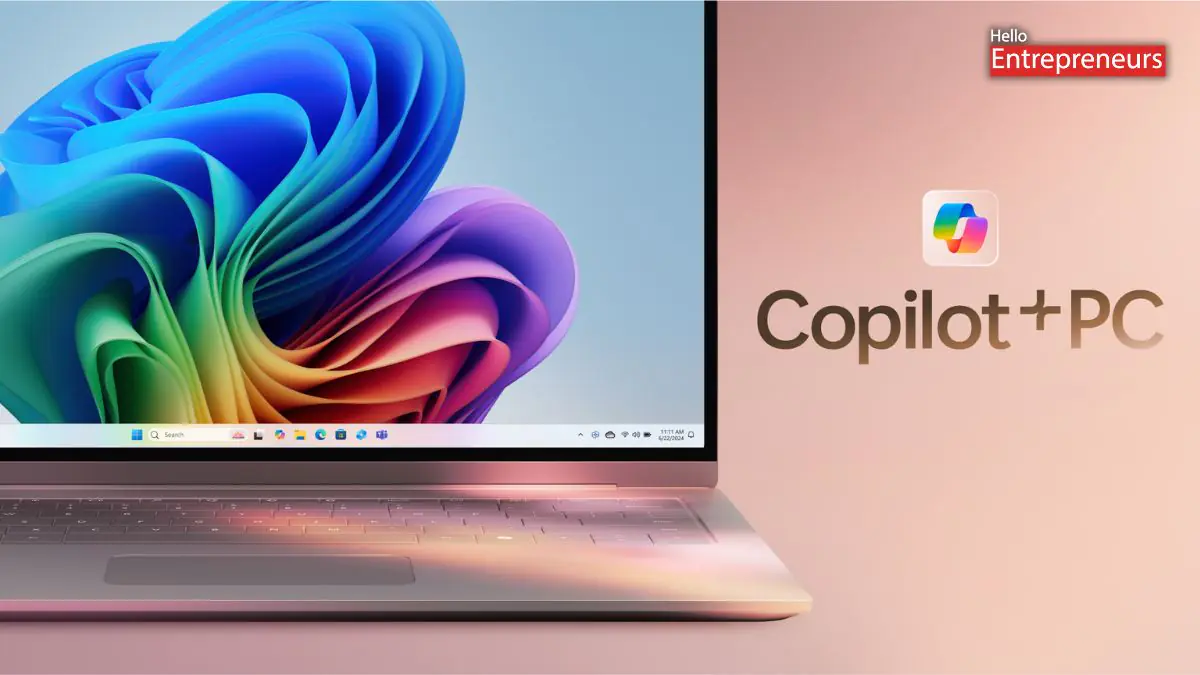
New Delhi: Microsoft has officially begun the testing of its latest AI-powered feature in the Microsoft Photos, which is especially designed to categorize photos automatically on the Windows 11 systems. This is dubbed Auto-Categorization, it is currently limited to sorting the screenshots, receipts, identity documents, and the notes, and it’s rolling out to Copilot+ PCs across all of the Windows Insider channels with the Microsoft Photos version 2025.11090.25001.0 or higher. Microsoft has stated the feature ultilizes language agnostic AI model that identifies document types regardless of the language used in the image. It works by grouping photos into predefined folders automatically, based on their visual content, such as the handwritten notes, receipts, or printed documents.
The Photos applications will also help the users to find the categorized images instantly, using the categories photos into the categories for the easier recall. Auto-Categorization automatically detects and organizes their photo collection into the meaningful categories like screenshots, receipts, identify documents, and notes using the AI. It is designed to save time reduce clutter, and make the users photo library easier to navigate. The company has also started rolling out super resolution to AMD and Intel Copilot+ PCs, and AI powered feature that enhances and enlarges images up to eight times the original size.
Redmond added the Copilot button at the top of the Photos Viewer to provide editing tips and offer framing suggestions. Windows 11 Insiders with the Copilot+ PCs also began testing an improved photo search feature with the natural language and Relight, feature that adds dynamic lighting controls to images. Redmond began rolling out its AI powered Gaming Copilot to select the Windows 11 systems and announced that the Notepad is getting free AI powered text writing capabilities on Copilot+ PCs with the Windows 11.

