



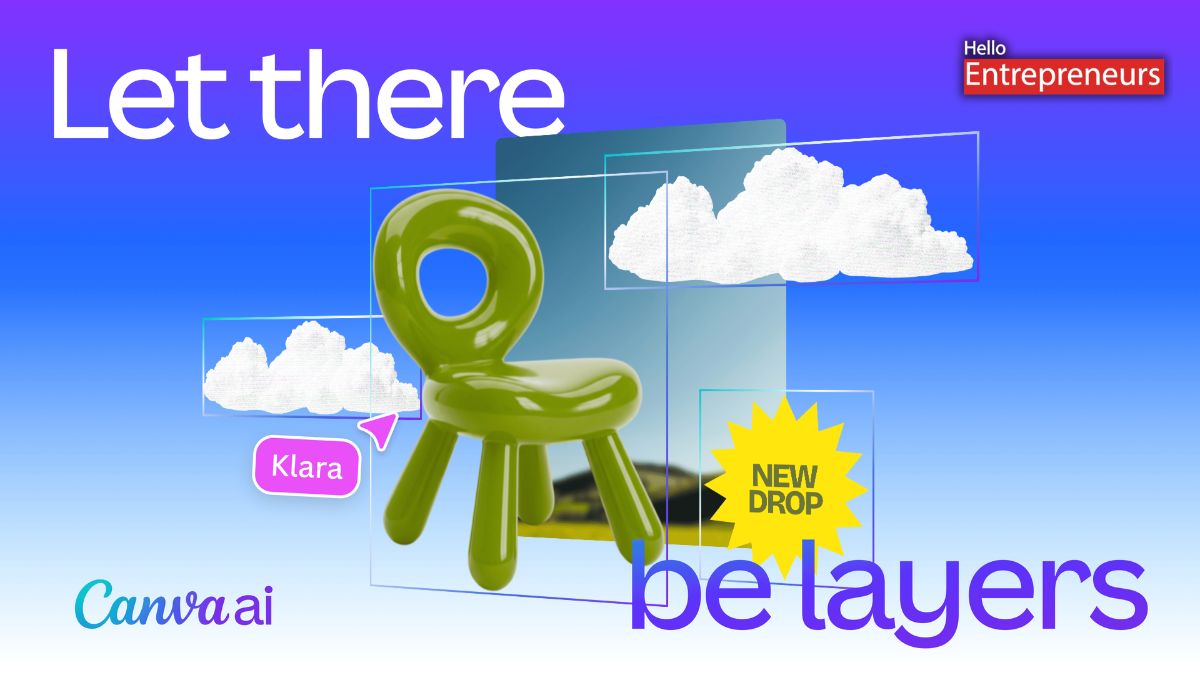
New Delhi: Canva has recently debuted with its latest feature, called Magic Layers, which now enables users to convert flat images and AI-generated visuals into fully editable designs inside the Canva editor. This latest feature can also break down static into separate elements, by making it possible to move objects, edit text, and adjust layouts without recreating the design from scratch.
Magic Layer is now available in public beta in the US, the UK, Canada, and Australia, with the wider global rollout expected later in the coming weeks.
Magic Layers enables users to upload a flat design or image file and convert it into a structured design with editable layers within Canva. Once the image is processed, the different elements in that design are separated into the individual objects that can be moved, resized, or edited independently.
This feature will also restore text as live, editable text boxes, by enabling the users to change wording, fonts, or formatting directly in the editor.
It can also be modified for those presentations, documents, social media posts, or any other visual content for the users. This feature will also work with AI-generated images created through Canva. The users can generate a design using the prompt and then refine it inside the Canva editor.
Once the design has appeared, the users can move elements, swap backgrounds, change colours, adjust fonts, or reorganize layouts without having to generate the latest image each time. This will also enable the users to refine and adjust their content while keeping the overall design structure intact.
Magic Layers has analyzed the image and identified different elements within it. This system separates objects, recognizes text areas, and preserves the relationships between different design components so that the layout stays intact.
It is powered by the Canva Design Model, Canva’s proprietary foundation model for generating editable visual content. Unlike those traditional tools that will trace the shapes, the Magic Layers attempt to understand how the different parts of the design relate to each other.
This enables the users to edit elements while maintaining the structure of the original design. Magic Layers also supports single-page PNG and JPG files, with some additional capabilities expected in future updates.

