



New Delhi: If you are a video editor looking for the best free Mac tools for your video editing or production, then this article is especially for you. In this article, we discuss several of the best free tools for video editing and production. However, these free tools are specially made for macOS users. So, if you are a video editor with macOS, then read the full article for your next video editing tools that are going to help with video editing better.
DaVinci Resolve
DaVinci Resolve is especially for pro and advanced editors. DaVinci Resolve is widely considered the industry standard for pro-level video creation, offering a completely free version with almost no restrictive watermarks.
It packs high-end video editing, color correction, visual effects, and professional audio into one powerful, downloadable suite. However, DaVinci Resolve is best for filmmakers, colorists, and power users needing a robust workflow.
CapCut
Many users know about CapCut, and many use it for video editing because it is actually a good tool for video editors. This tool is incredibly popular for editing TikTok, Instagram Reels, and YouTube Shorts. It is fully free, and it also includes a massive library of trending effects, transitions, stickers, and AI-powered tools like auto-captions and background removal.
However, CapCut is best for content creators who want some trendy, highly engaging short-form videos with minimal effects.
iMovie
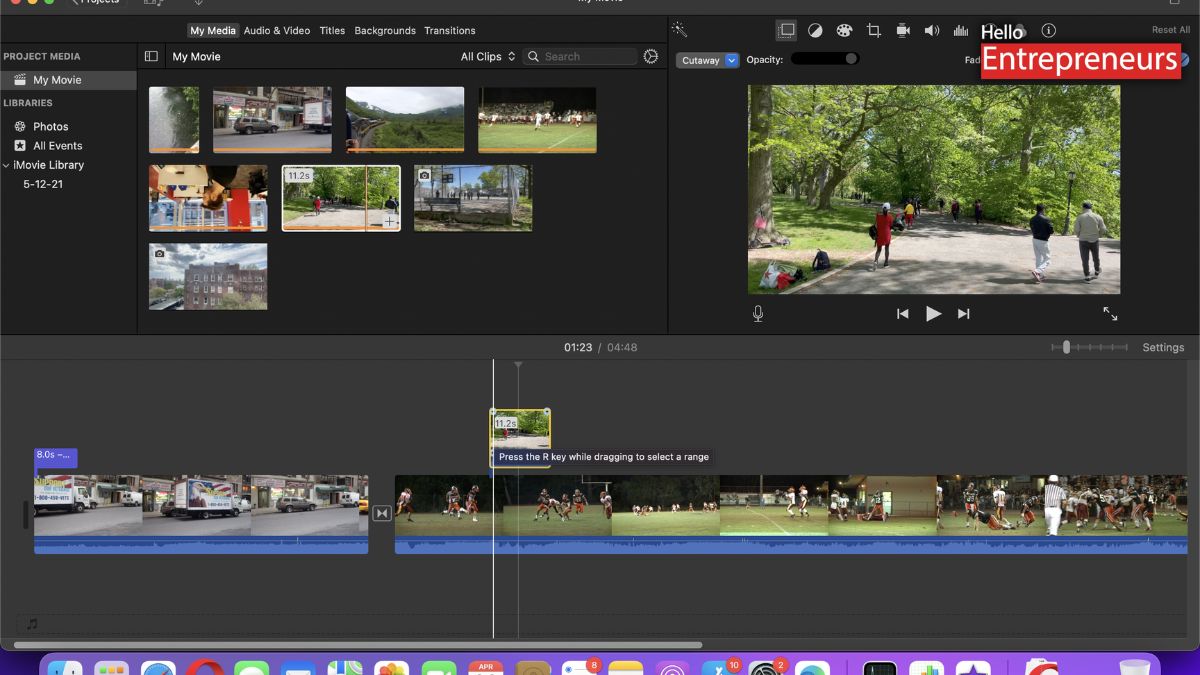
iMovie is generally pre-installed on every Mac; it is a mostly frictionless option for basic trimming, adding titles, and stitching clips together. It features a clear, user-friendly interface that lets users easily import iPhone footage and output 4K without any subscription costs.
It is specially designed for casual users, vloggers, and absolute beginners. So, if you are a beginner at video editing, you can use this tool on your video editing journey.
Movavi Video Editor
Movavi Video Editor is a user-friendly, feature-rich video editing software designed for both beginners and content creators. It offers an intuitive drag-and-drop timeline and powerful AI tools such as background removal, noise reduction, and automatic subtitle generation, which help users to produce professional videos quickly. However, if you are a beginner, you can go for this tool.

