



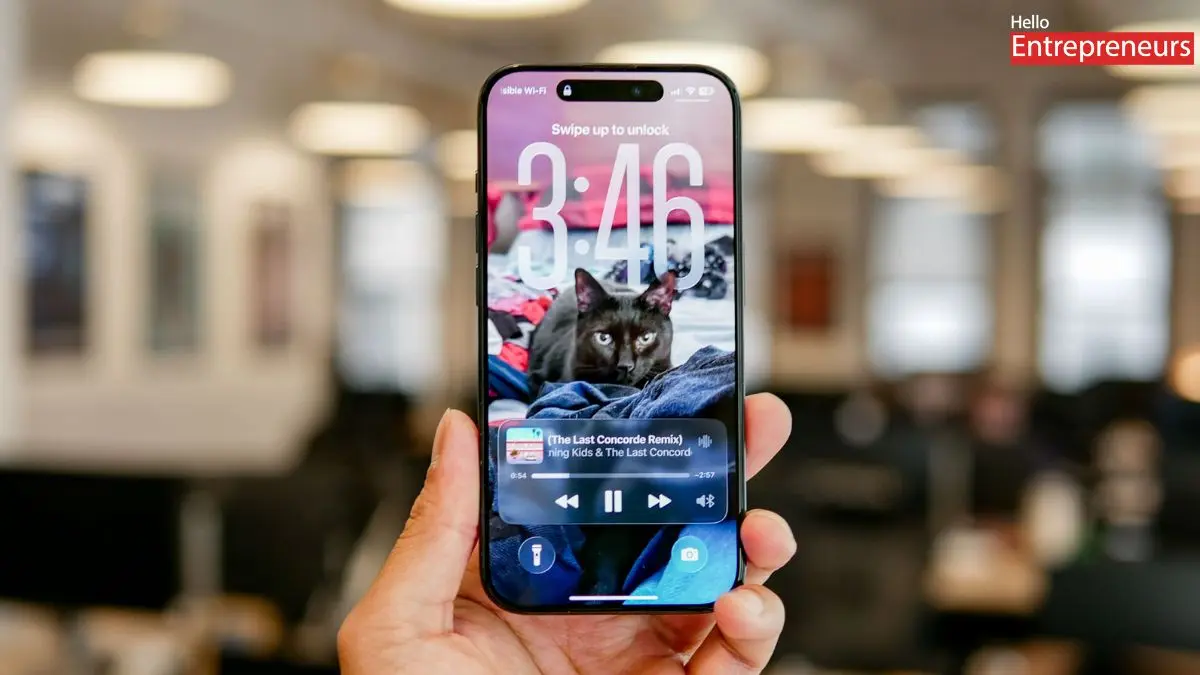
New Delhi: Apple has introduced their iOS 26 Update, on the WWDC event, and this is the biggest redesign have done by Apple after the iOS 7, because when Apple delivers this iOS 7 update, after that in all the iPhone have get iOS 7 design in all of them devices. This update comes with the design of Liquid Glass, which is now the most popular design, which Apple have introduced in the iOS 26 update.
Apple has rolled out the iOS 26 Beta 3 update on some devices, and this update will be available on some devices in the upcoming weeks. However, the official launch date is yet to be confirmed by Apple, so users want to wait till next week for the iOS 26 update. This iOS 26 shines with an amazing Liquid Glass design, which is pretty impressive with some improvements.
iOS 26 update has officially entered the developer beta phase, and some users have tested it, and their experience while operating this update is pretty cool. Now, the question for many users is how to download the iOS 26 update on their iPhone. Firstly, they want to go to Settings> General> Software Update> Beta Update, where users want to select the iOS 26 developer beta.
Incompatible iPhone device:
- iPhone XS
- iPhone XS Max
- iPhone XR
Compatible iPhone devices
- iPhone 11, iPhone 11 Pro, iPhone 11 Pro Max
- iPhone 12, iPhone 12 Mini, iPhone 12 Pro, iPhone 12 Pro Max
- iPhone 13, iPhone 13 Mini, iPhone 13 Pro, iPhone 13 Pro Max
- iPhone 14, iPhone 14 Plus, iPhone 14 Pro, iPhone 14 Pro Max
- iPhone 15, iPhone 15 Plus, iPhone 15 Pro, iPhone 15 Pro Max
- iPhone 16, iPhone 16 Plus, iPhone 16 Pro, iPhone 16 Pro Max
- iPhone SE (2nd and 3rd generation)
- iPhone 16e
Apple Intelligence Support
- iPhone 15 Pro and iPhone 15 Pro Max
- iPhone 16 Series
- iPhone 16e
iOS 26 will feature some pretty cool functionality and enhancements, and Apple Intelligence will have all eyes on them. Users can expect features like intelligent summaries, content-aware visual actions, and enhanced real-time translation, which will be integrated with various applications.

