



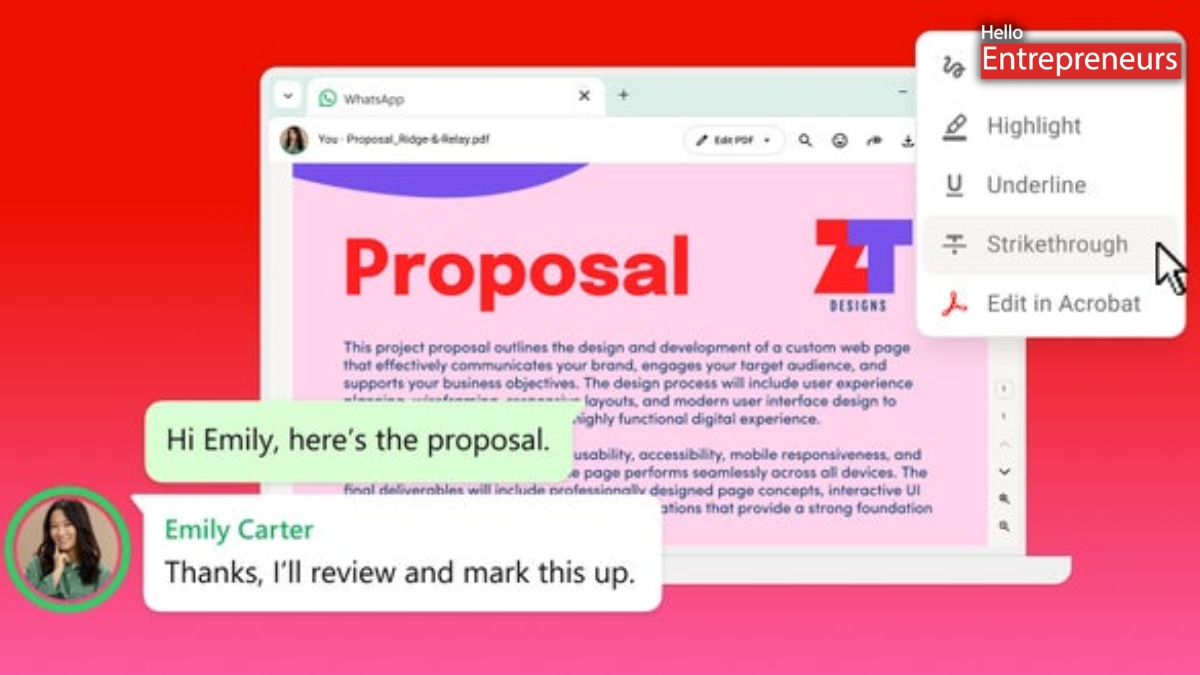
New Delhi: Adobe has recently announced its latest integration that brings Acrobat-powered PDF experiences to WhatsApp Web and the WhatsApp Windows application. This integration lets users preview, open, review, annotate, and edit PDF documents directly within the chats without downloading files, without leaving the conversation or switching between applications.
Users can also preview and open PDF files directly in their WhatsApp conversations, with the support for full-screen viewing, scrolling, zooming, and reading the full document. However, it is also password-protected PDFs are also supported, helping ensure only authorized recipients can access them.
Acrobat preserves the document’s original layout and formatting. PDFs shared through WhatsApp continue to be protected with end-to-end encryption, which means only chat participants can access them.
The integration also adds built-in PDF markup tools by enabling users to highlight text, underline text, strike through text, draw and annotate documents. These tools let users review documents and add feedback without leaving the chat. Users can select Edit in Acrobat to access additional Acrobat tools, including: Edit PDF content, Organize pages, Sign PDFs, Apply Password protection, and share the updated PDF back to the same WhatsApp conversation.
Acrobat subscribers can also use Acrobat AI Assistant to summarize documents, ask questions about their content, and identify key information. However, the advanced editing features and Acrobat AI Assistant require an Acrobat subscription.

