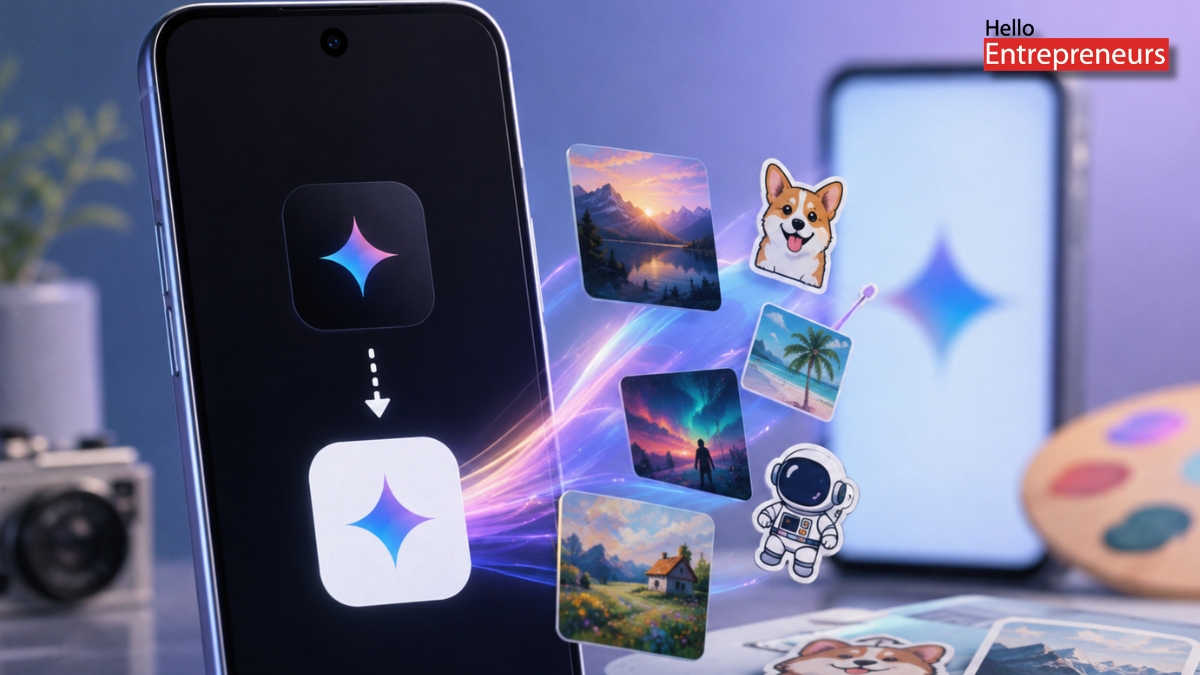








Google is phasing out its Pixel Studio app and steering users toward Gemini for AI image generation and editing. If you update Pixel Studio now, you’ll notice the tools for making new images are gone. Instead, there’s a bold “Open Gemini” button—tap it, and you’ll either launch Gemini or land in Google Play to install it.
Pixel Studio came out with recent Pixel phones. It let you generate AI images by typing prompts, make custom stickers, and edit screenshots or photos on the fly. Most folks used it for casual stuff—quick memes, zooming in on photo details, or just tinkering around. It never really caught on with professionals.
After this latest update, you can’t create anything new in Pixel Studio. You’re still able to view, share, or export your previous images and stickers—at least for now. Google hasn’t said when, or if, access to those old projects will go away.
The shift is part of Google’s move to roll its image tools into bigger, central services. Gemini—using the Nano Banana model for image generation—is now the default. Google Photos and Messages get some of the AI-powered editing features, too, so those are the main places you’ll find this kind of stuff on your phone or in the cloud.
For Pixel users, this means losing a unique app and having all those features folded into Google’s broader AI offerings. Google hasn’t explained why it’s shutting down Pixel Studio, but this lines up with its habit of folding separate tools back into flagship apps like Gemini and Photos.
If you like using Pixel Studio on its own, now’s the time to save anything you want to keep. Developers and folks watching the change say this update really signals Google’s plan to streamline, cutting down on overlapping apps and putting everything under a few big umbrellas instead.